



















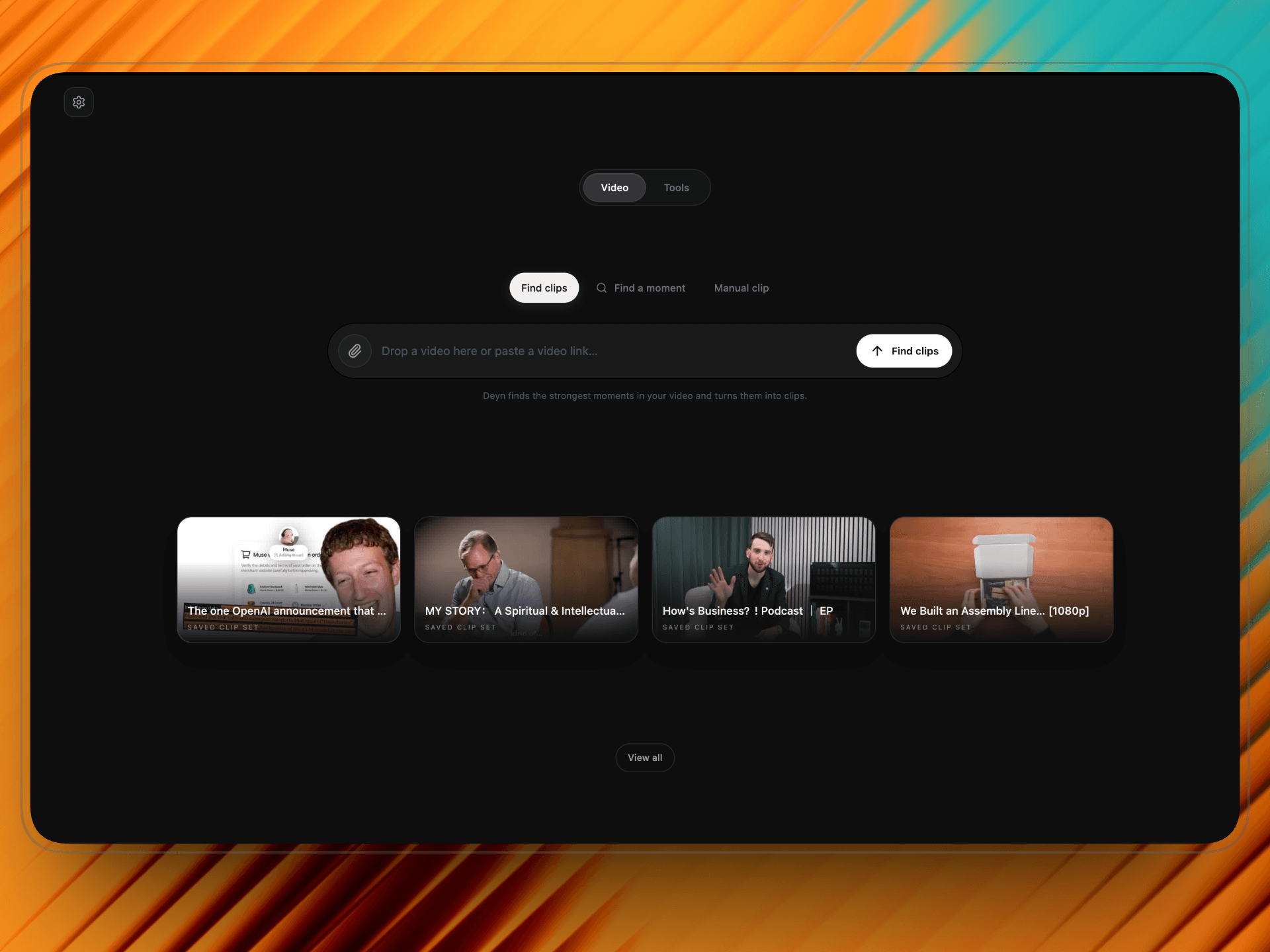
Bring in a long video
Import a video or paste a supported public link. Let Deyn suggest clips, search for a moment, or choose the cut yourself.

From long video to shareable clips
Find the best moments, add captions, and frame every clip for social.
Download Deyn StudioFor macOS, Windows, and Linux
See how it works
Deyn Studio in action
Import a video or paste a supported public link. Let Deyn suggest clips, search for a moment, or choose the cut yourself.
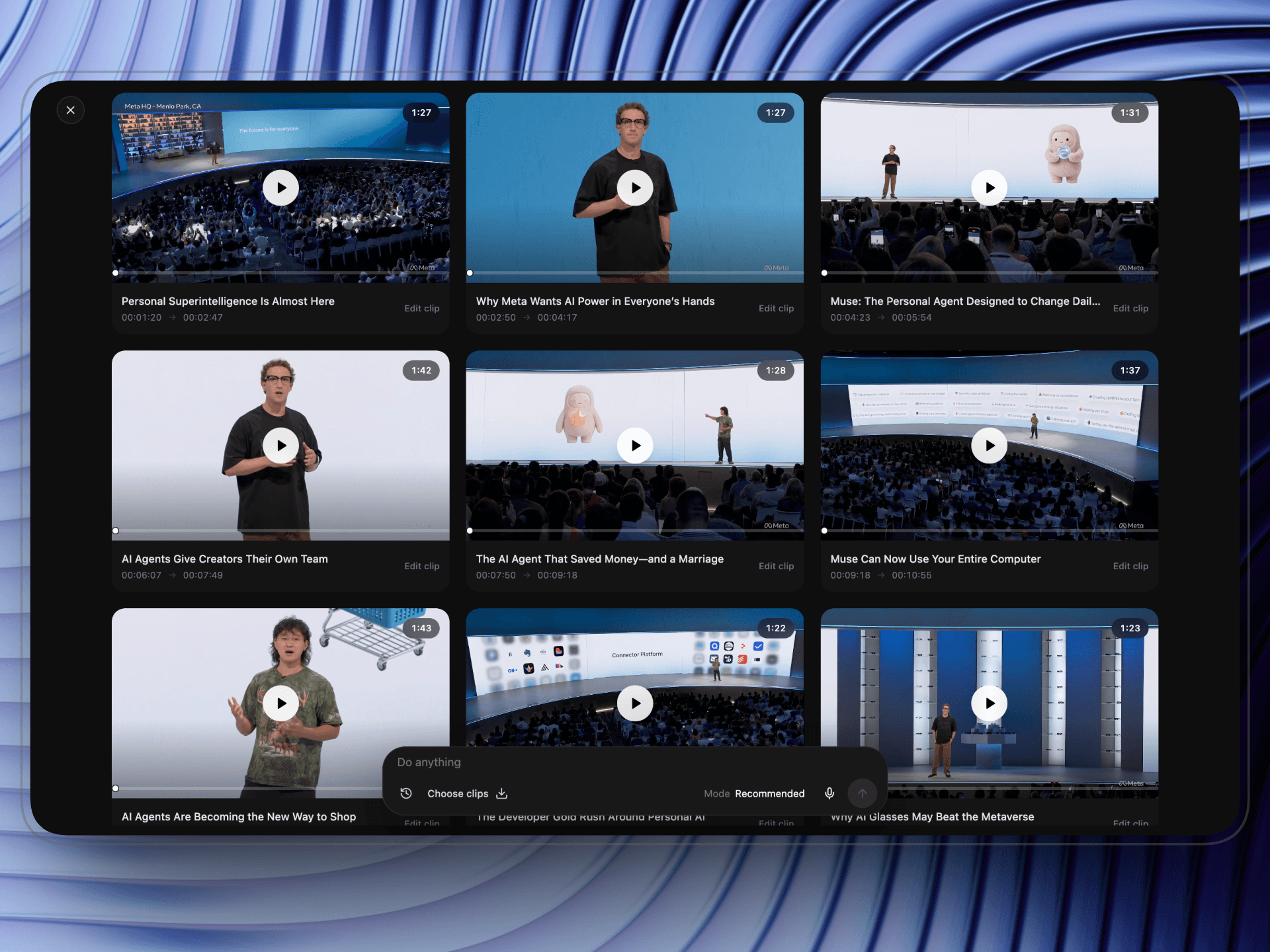
AI finds moments in the transcript and suggests clips. Review the timing and titles, then choose what to keep.
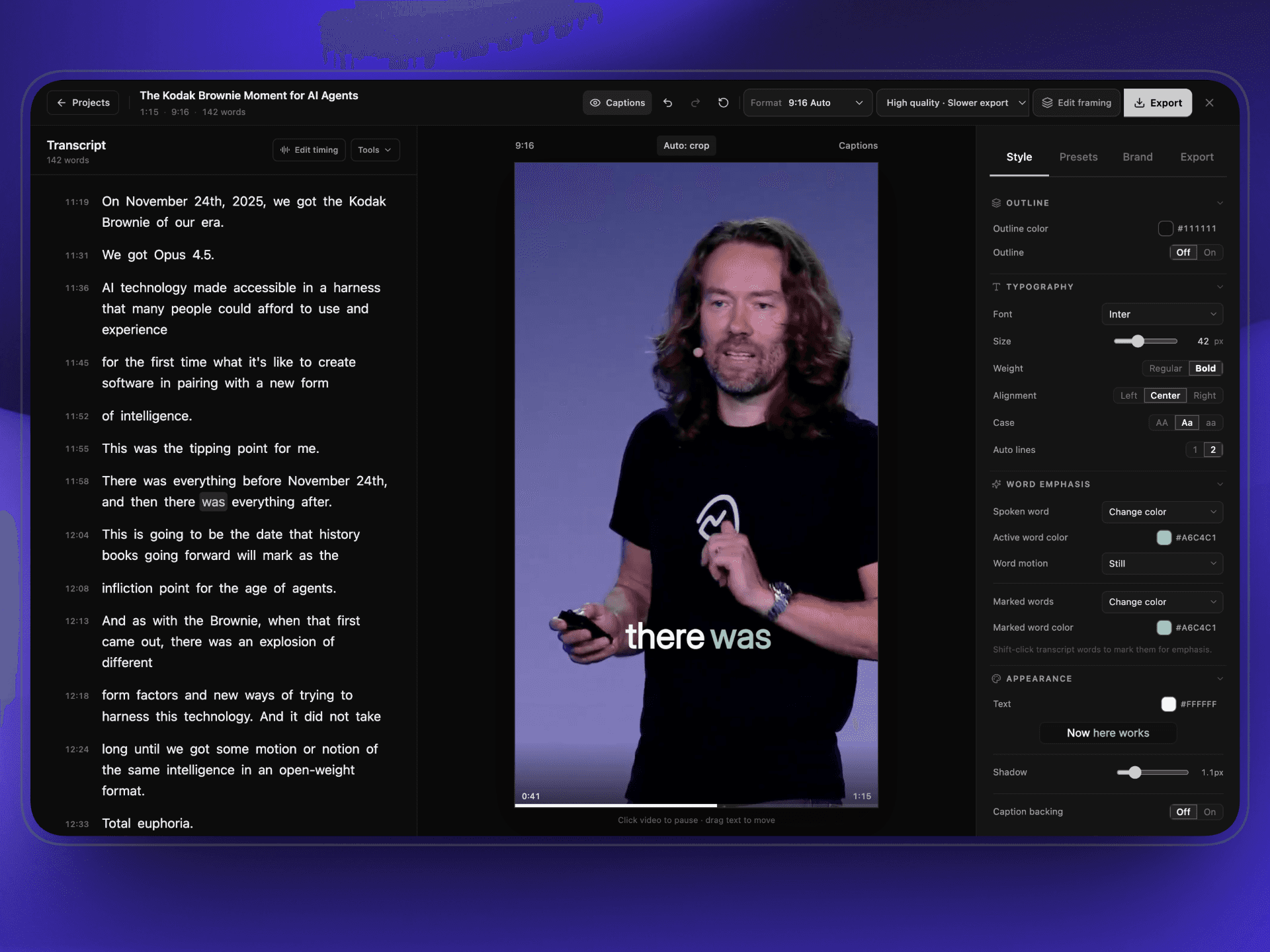
Edit the transcript, style captions, frame for portrait video, and export from the same app.
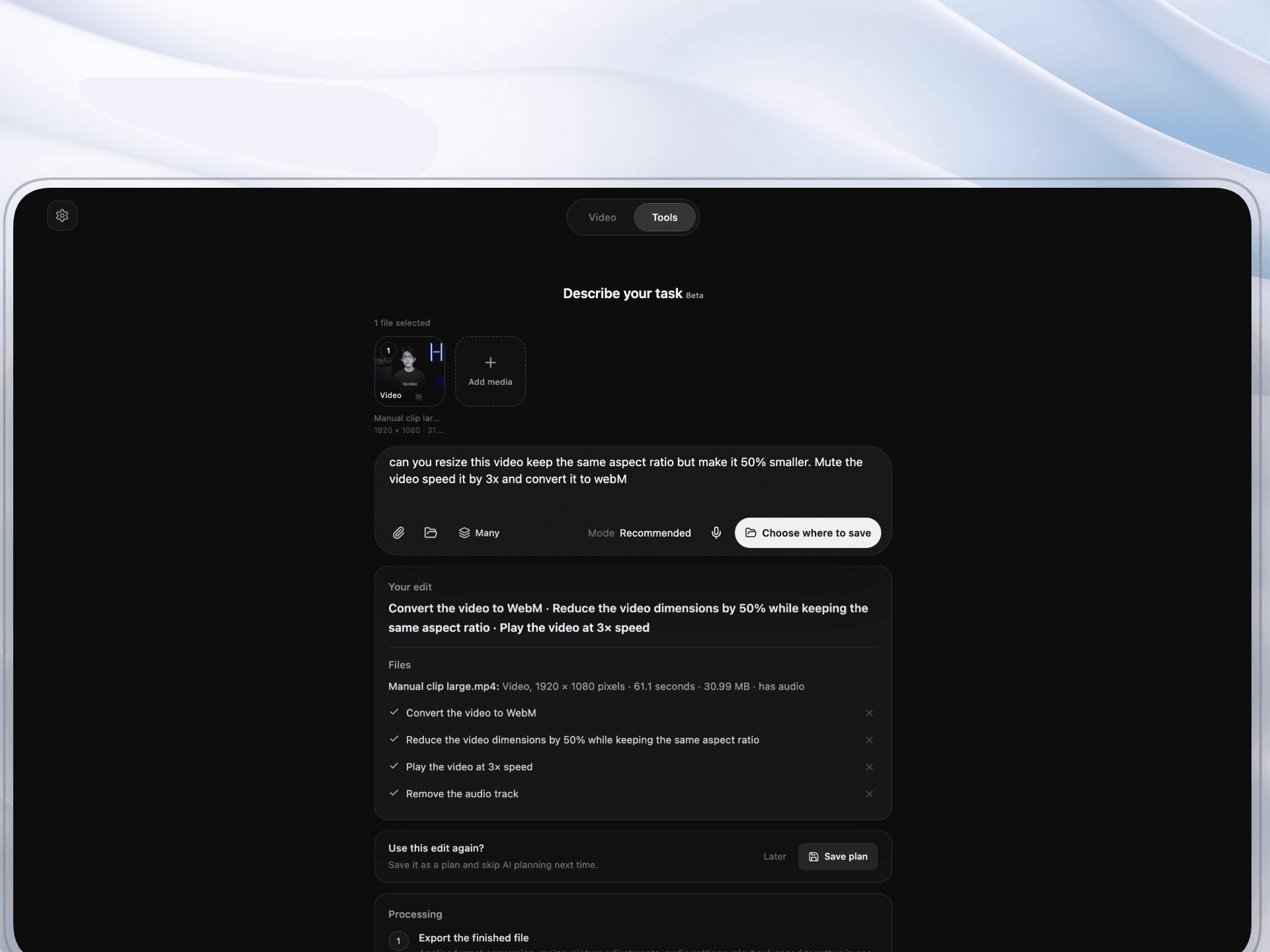
Media Assistant & Tools
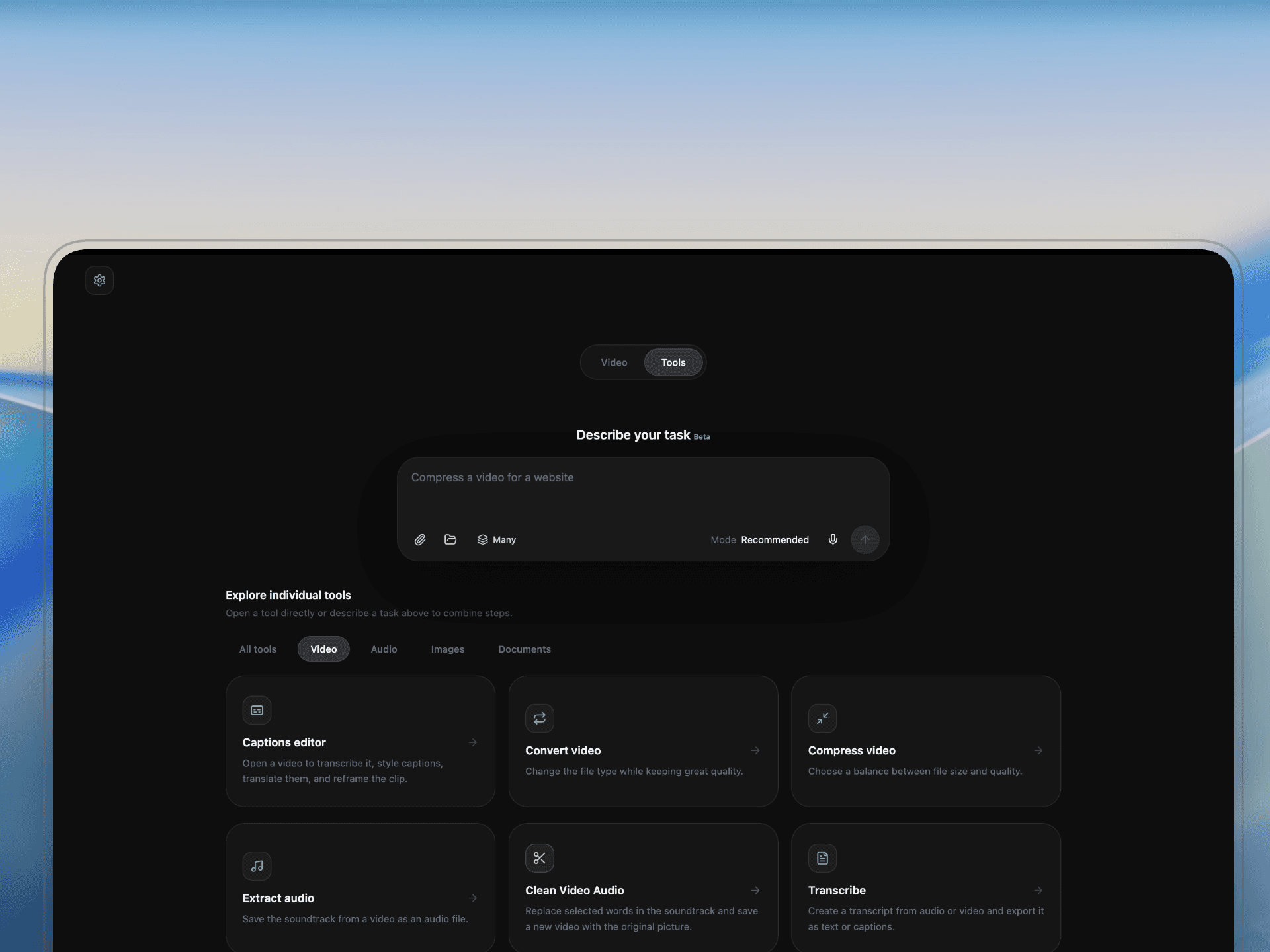
Choose files and tell Media Assistant what you need. Review the steps before they run.
Use Deyn Studio on up to two devices. Future desktop updates are included.
Lifetime license
Find moments, edit captions, and export from one desktop app.
Eligible accounts get a limited AI trial. After it ends, add an OpenRouter API key and choose a model. OpenRouter bills that usage; local transcription has no per-use fee.
Get lifetime accessFor macOS, Windows, and Linux.What it does, what AI costs, and where your files are processed.
9 questions shown
Still have questions?
We’re here to help.